


Opening a Project in IntelliJ IDEA 1.21.11
How to open a Minecraft mod project in IntelliJ IDEA.
WARNING
This page is written for version 1.21.11. Documentation for older versions may be incomplete.
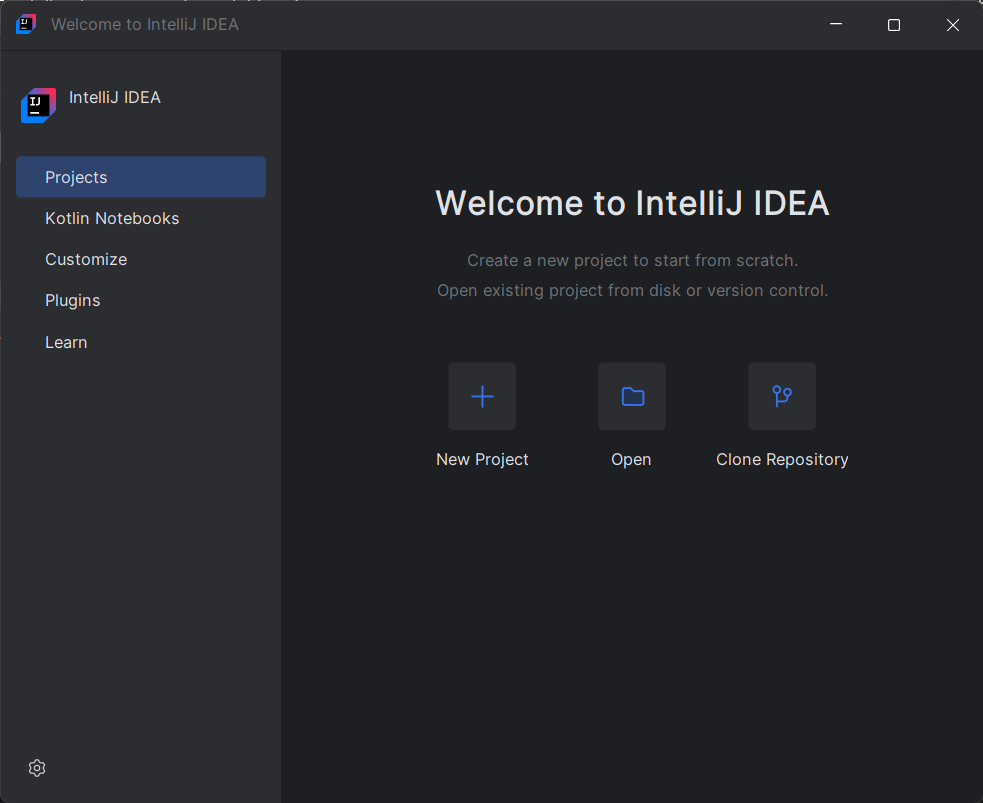
Select your project in the startup dialog.
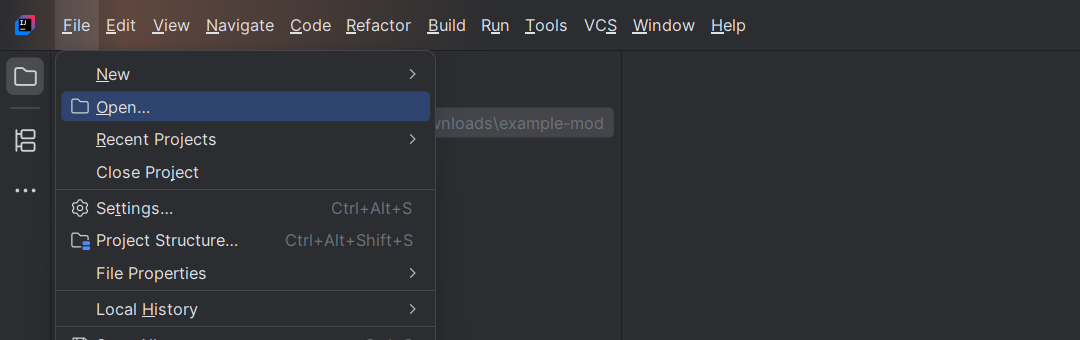
If you're already in the IDE, from File > Open.
Importing the Project
Once you've opened the project in IntelliJ IDEA, the IDE should automatically load the project's Gradle configuration and perform the necessary setup tasks.
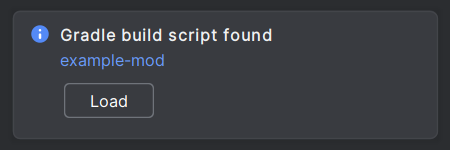
If you receive a notification talking about a Gradle build script, you should click the Load button:
Once the project has been imported, you should see the project's files in the project explorer, and you should be able to start developing your mod.