


Spawn Eggs 1.21.11
Learn how to register a spawn egg item.
WARNING
This page is written for version 1.21.11. Documentation for older versions may be incomplete.
PREREQUISITES
You must first understand how to create an item, which you can then turn into a spawn egg.
This article also references the Mini Golem entity from Creating your First Entity. If you have not followed that tutorial, you can use a vanilla entity like EntityType.FROG rather than ModEntityTypes.MINI_GOLEM.
Spawn eggs are special items that, when used, spawn their corresponding mob. You can register one with the register method from your items class, by passing SpawnEggItem::new to it.
java
public static final Item MINI_GOLEM_SPAWN_EGG = register(
		"mini_golem_spawn_egg",
		SpawnEggItem::new,
		new Item.Properties().spawnEgg(ModEntityTypes.MINI_GOLEM)
);There are still a few things to do before it's ready: you must add a texture, an item model, a client item, a name, and add the spawn egg to the appropriate creative tab.
Adding a Texture
Create the 16x16 item texture in the assets/example-mod/textures/item directory, with the same file name as the id of the item: mini_golem_spawn_egg.png. An example texture is provided below.


Adding a Model
Create the item model in the assets/example-mod/models/item directory, with the same file name as the id of the item: mini_golem_spawn_egg.json.
json
{
  "parent": "minecraft:item/generated",
  "textures": {
    "layer0": "example-mod:item/mini_golem_spawn_egg"
  }
}Creating the Client Item
Create the client item JSON in the assets/example-mod/items directory, with the same file name as the id of the item model: mini_golem_spawn_egg.json.
json
{
  "model": {
    "type": "minecraft:model",
    "model": "example-mod:item/mini_golem_spawn_egg"
  }
}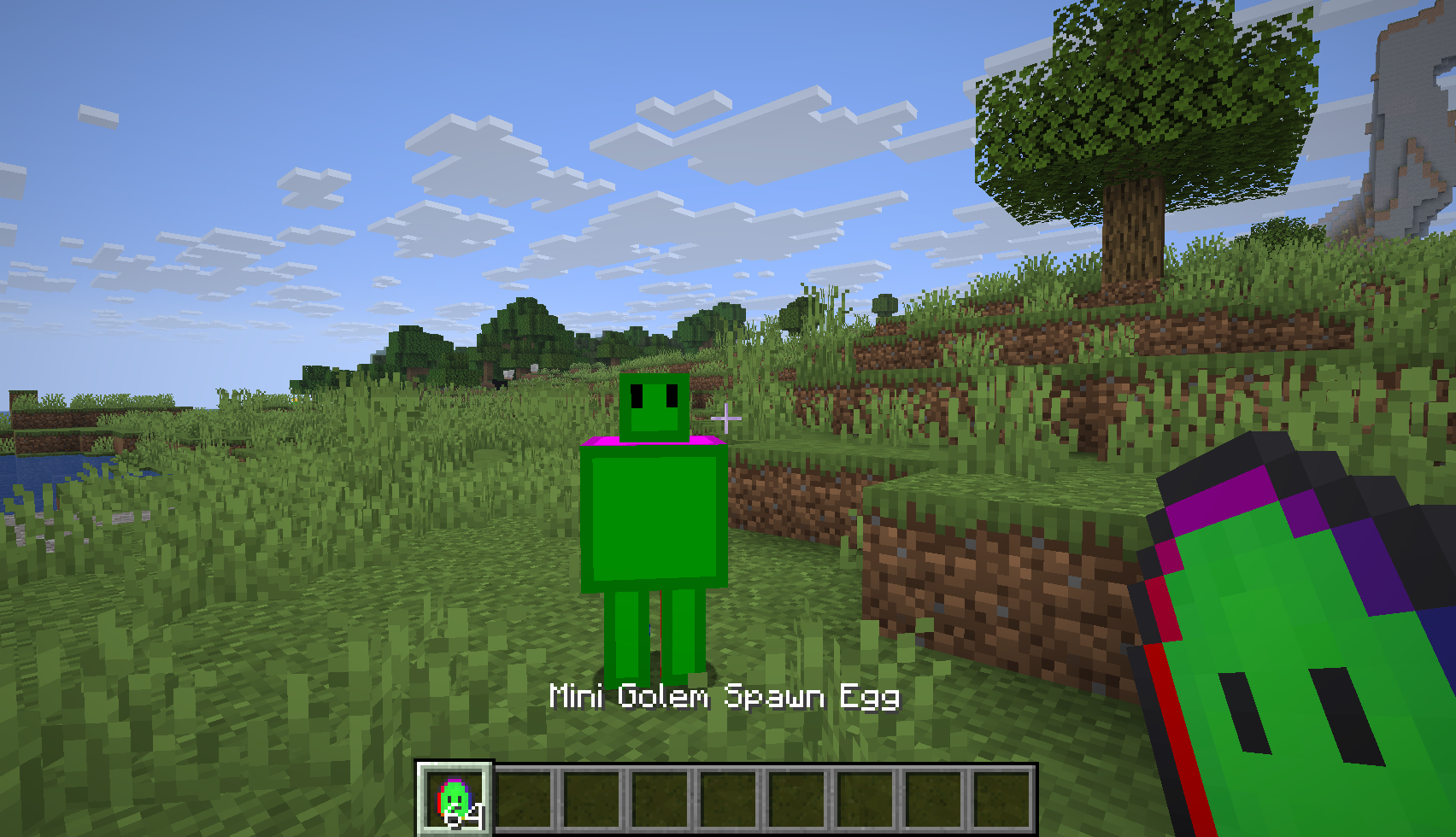
Naming The Spawn Egg
To name the spawn egg, the translation key item.example-mod.mini_golem_spawn_egg must be assigned a value. This process is similar to Naming The Item.
Create or edit JSON file at: src/main/resources/assets/example-mod/lang/en_us.json and put in the translation key, and its value:
json
{
  "item.example-mod.mini_golem_spawn_egg": "Mini Golem Spawn Egg"
}Adding To A Creative Mode Tab
The spawn egg is added to the spawn egg CreativeModeTab in the initialize() method of the items class.
java
ItemGroupEvents.modifyEntriesEvent(CreativeModeTabs.SPAWN_EGGS).register(itemGroup -> {
	itemGroup.accept(ModItems.MINI_GOLEM_SPAWN_EGG);
});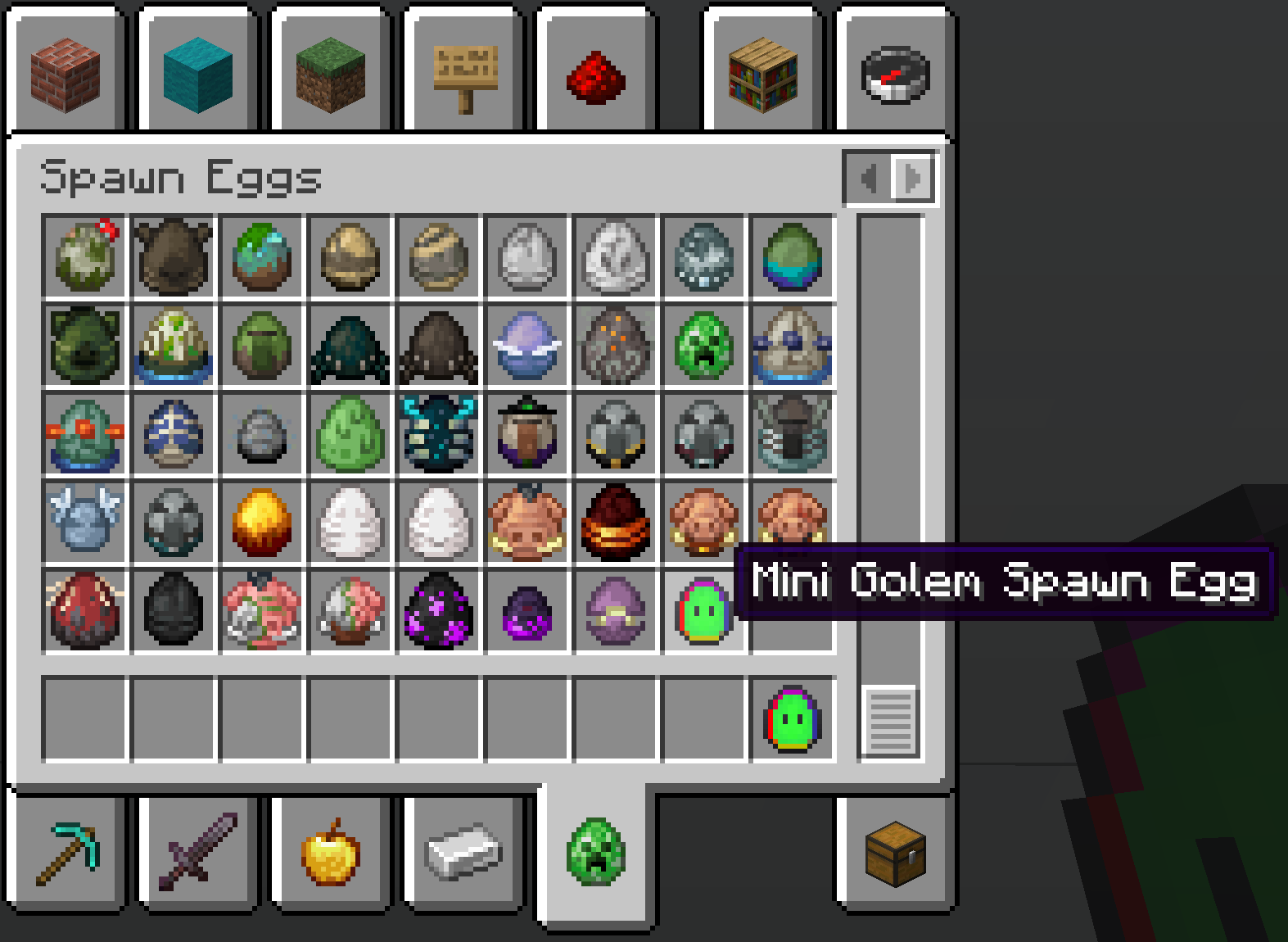
Check out Adding the Item to a Creative Tab for more detailed information.