


Spawn Eggs 26.2
Learn how to register a spawn egg item.
PREREQUISITES
You must first understand how to create an item, which you can then turn into a spawn egg.
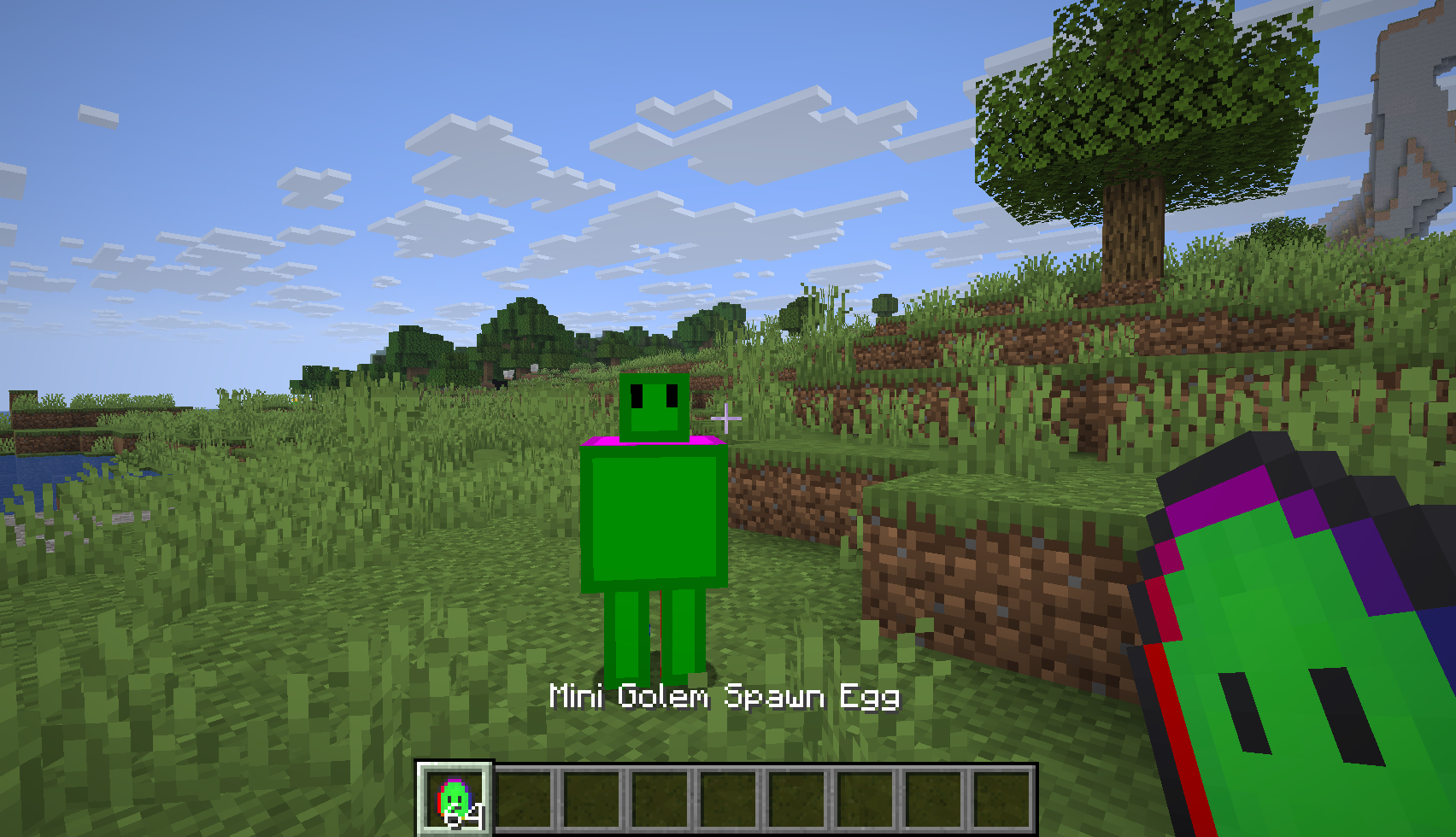
This article also references the Mini Golem entity from Creating your First Entity. If you have not followed that tutorial, you can use a vanilla entity like EntityType.FROG rather than ModEntityTypes.MINI_GOLEM.
Spawn eggs are special items that, when used, spawn their corresponding mob. You can register one with the register method from your items class, by passing SpawnEggItem::new to it.
java
public static final ResourceKey<Item> MINI_GOLEM_SPAWN_EGG = create("mini_golem_spawn_egg");java
public static final Item MINI_GOLEM_SPAWN_EGG = register(
		ModItemIds.MINI_GOLEM_SPAWN_EGG,
		SpawnEggItem::new,
		new Item.Properties().spawnEgg(ModEntityTypes.MINI_GOLEM)
);There are still a few things to do before it's ready: you must add a texture, an item model, a client item, a name, and add the spawn egg to the appropriate creative tab.
Adding a Texture
Create the 16x16 item texture in the assets/example-mod/textures/item directory, with the same file name as the id of the item: mini_golem_spawn_egg.png. An example texture is provided below.


Adding a Model
Create the item model in the assets/example-mod/models/item directory, with the same file name as the id of the item: mini_golem_spawn_egg.json.
json
{
  "parent": "minecraft:item/generated",
  "textures": {
    "layer0": "example-mod:item/mini_golem_spawn_egg"
  }
}Creating the Client Item
Create the client item JSON in the assets/example-mod/items directory, with the same file name as the id of the item model: mini_golem_spawn_egg.json.
json
{
  "model": {
    "type": "minecraft:model",
    "model": "example-mod:item/mini_golem_spawn_egg"
  }
}
Naming The Spawn Egg
To name the spawn egg, the translation key item.example-mod.mini_golem_spawn_egg must be assigned a value. This process is similar to Naming The Item.
Create or edit JSON file at: src/main/resources/assets/example-mod/lang/en_us.json and put in the translation key, and its value:
json
{
  "item.example-mod.mini_golem_spawn_egg": "Mini Golem Spawn Egg"
}Adding To A Creative Mode Tab
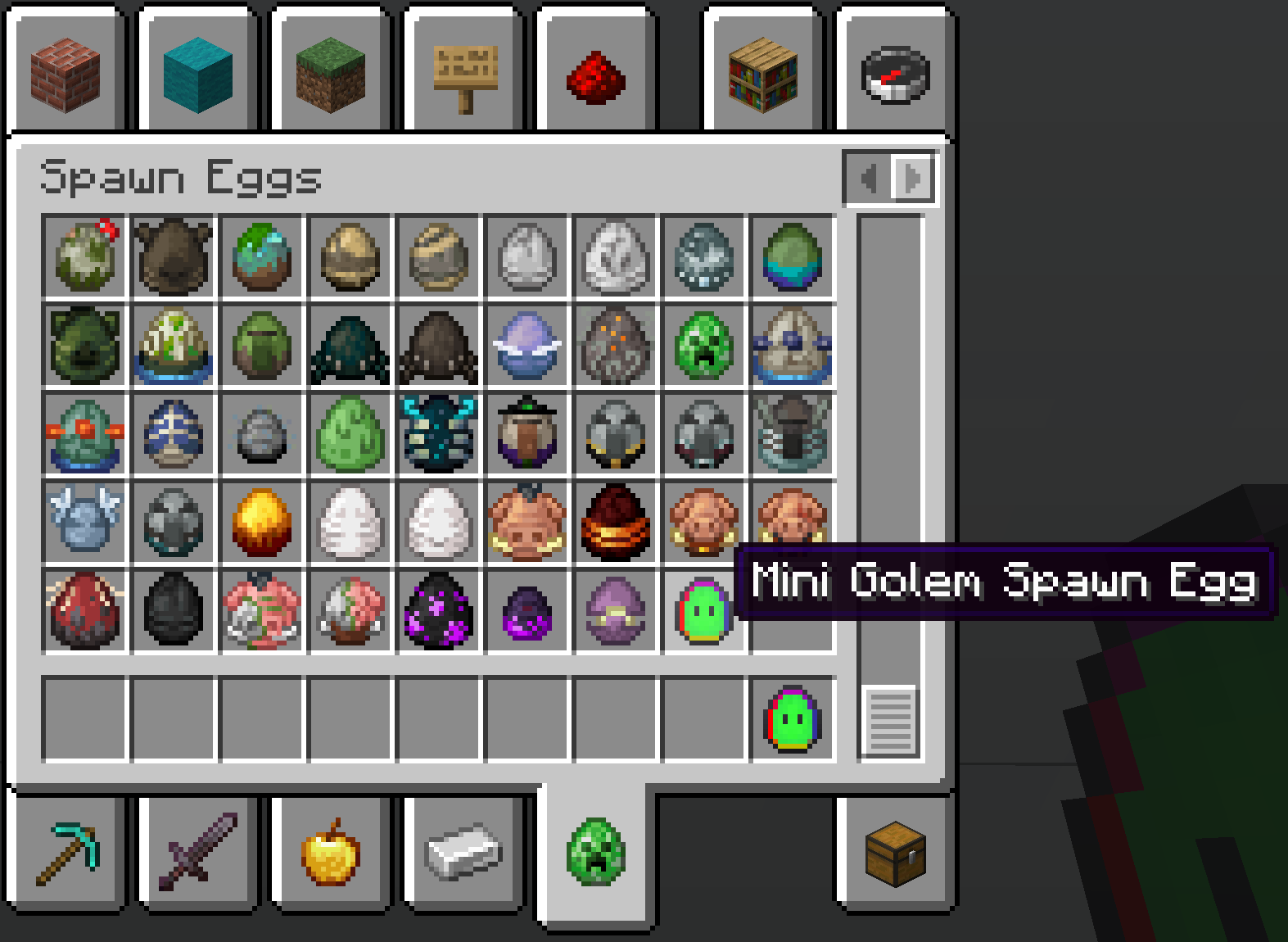
The spawn egg is added to the spawn egg CreativeModeTab in the initialize() method of the items class.
java
CreativeModeTabEvents.modifyOutputEvent(CreativeModeTabs.SPAWN_EGGS).register(creativeTab -> {
	creativeTab.accept(ModItems.MINI_GOLEM_SPAWN_EGG);
});
Check out Adding the Item to a Creative Tab for more detailed information.