

Opening a Project in VS Code 26.2
How to open a Minecraft mod project in Visual Studio Code.
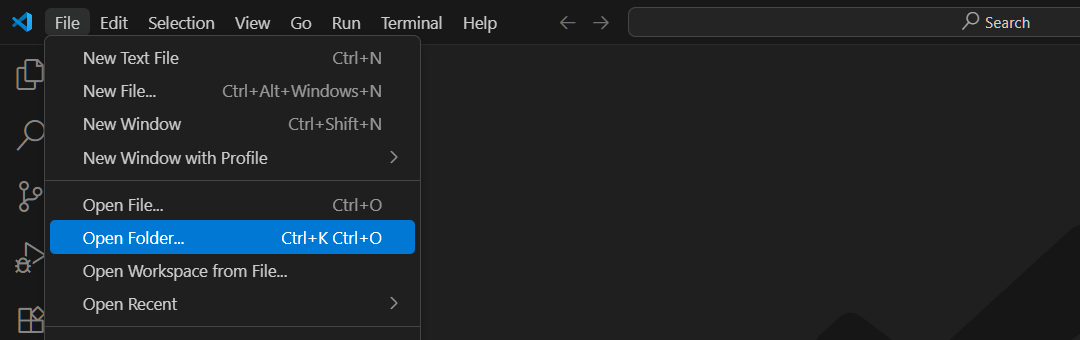
Assuming you already have a project, you can open it through File > Open Folder.
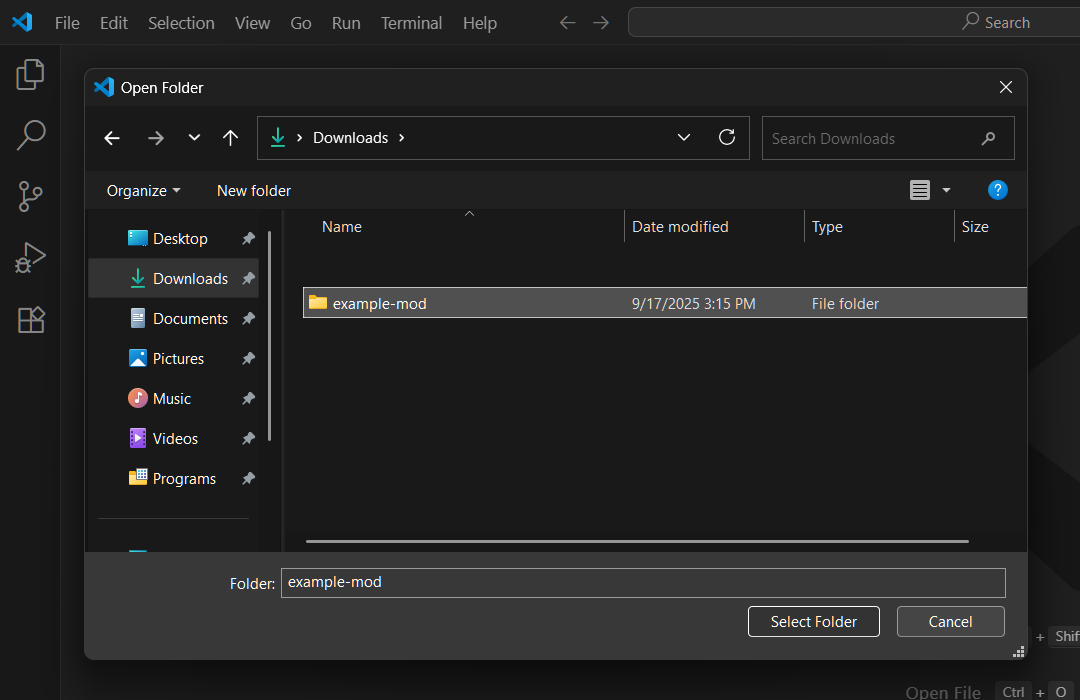
Then select the relevant folder from the folder picker.
You should see an indicator and a notification of the project import progress.
